In this tutorial, we'll learn how to hide the "Trending" topics panel that Bluesky added to its sidebar.
To do this, follow the following steps:
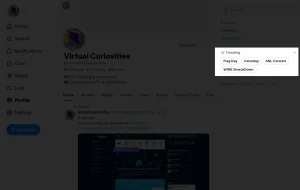
1: click on the X button on the "Trending" panel on the sidebar. A dialog box will appear asking if you want to hide the trending topics.
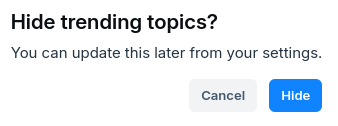
2: click Hide. Doing this will make the trending topics section disappear completely from the sidebar.